

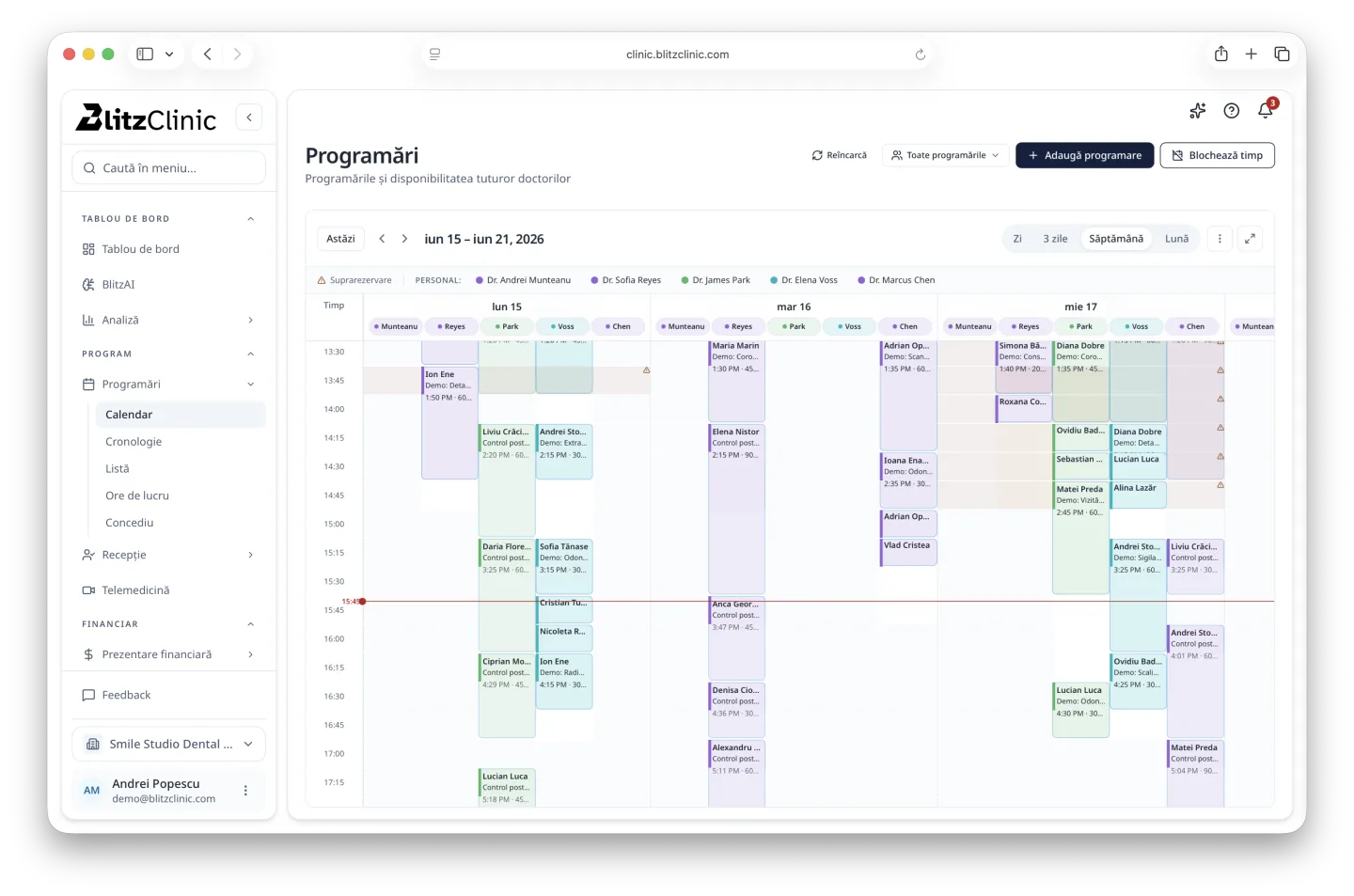
Dental clinics combine a busy schedule with visual clinical records, multi-stage treatment plans, imaging, materials, consent, and recurring patient relationships. General appointment software rarely covers that complete picture.
The patient record should be visual and chronological
A dentist needs to understand the current status, previous interventions, images, notes, and planned work without reconstructing the story from separate tabs or paper. A digital dental chart and a chronological history should stay connected to the same patient and treatment context.
That connection helps another clinician continue care safely and helps reception answer administrative questions without seeing clinical details outside its role.
Treatment plans connect care and business
A useful treatment plan explains stages, alternatives, estimates, appointments, and status in language the patient can understand. Internally, the same plan supports scheduling, clinical preparation, consent, invoicing, and follow-up.
- Dental charting linked to notes, procedures, and imaging
- Multi-stage plans with clear status and patient presentation
- Appointments organized by clinician, chair, room, or location
- Documents, consent, estimates, invoices, and payment status
- Recall, reminders, and follow-up based on the patient's care plan
Choose for the whole clinic
Dentists, assistants, reception, and managers interact with different parts of the same journey. Test handoffs between them: a new patient booking, imaging attached to the chart, plan acceptance, a staged payment, an urgent appointment, and recall after treatment.
If the team still has to reproduce the same information in messages, spreadsheets, and paper folders, the software is recording activity rather than coordinating the clinic.
A dental-clinic demonstration script
Ask the supplier to complete this journey using a single test patient.
- Book the visit and collect the right intake information.
- Record dental findings and attach an image to the correct context.
- Create a staged treatment plan the patient can understand.
- Schedule the next stage and show its financial status.
- Send the patient the right documents and follow-up information.
Look for continuity, not isolated modules
The right dental-clinic software keeps the clinical story, patient conversation, schedule, and financial status aligned. That continuity is what saves staff time and gives patients confidence in a longer treatment journey.